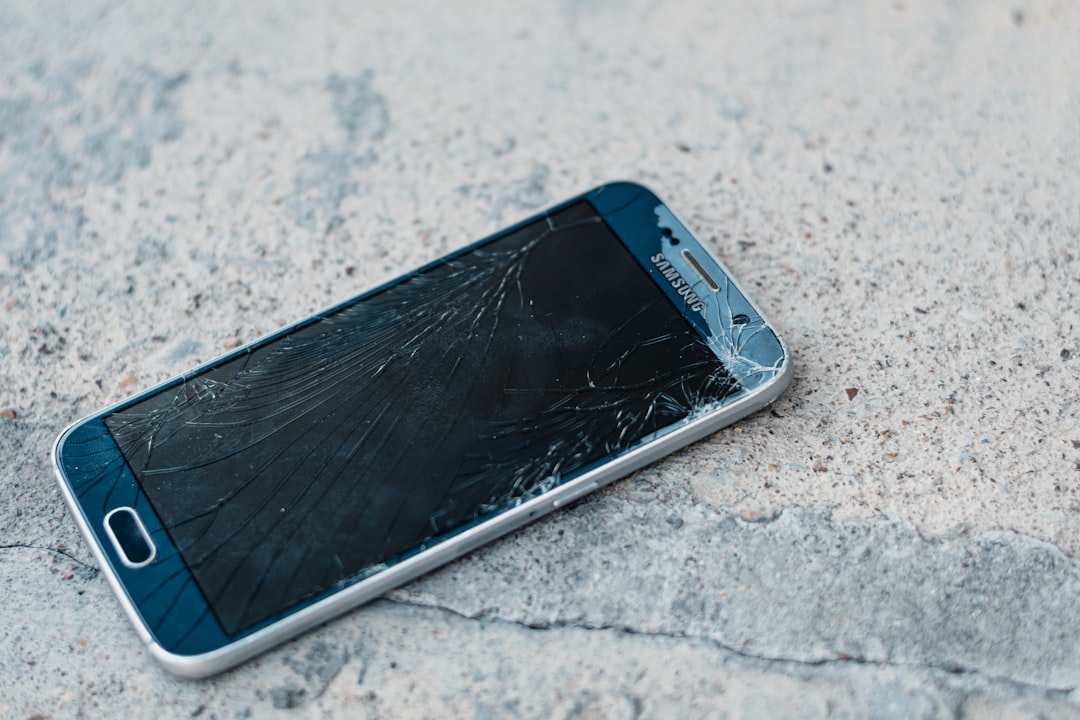
So you’re ready to snag that Crunchwrap Supreme or a Baja Blast Freeze, but the Taco Bell app won’t load or keeps crashing? Ugh. We get it. That’s enough to make anyone hangry. But don’t rush to throw your phone — we’ve got your back!
TLDR: If the Taco Bell app isn’t loading or keeps crashing, the issue might be due to your internet connection, outdated app version, or corrupted cache. Try simple fixes like restarting your phone, checking your connection, or reinstalling the app. We’ve got all the fun, easy-to-follow solutions right here. Read on and get back to taco bliss in no time!
1. Check Your Internet Connection
This is the easiest place to start. If your Wi-Fi is acting weird or your mobile data is struggling, the app just won’t work.
- Turn off Wi-Fi and turn it back on.
- Try switching from Wi-Fi to mobile data or the other way around.
- Use another app or browser to see if your internet is working properly.
If everything else works, the issue likely lies with the Taco Bell app itself.
2. Restart Your Phone
How many tech problems have been fixed with a good ol’ restart? Plenty.
Hold down that power button, choose “Restart,” and give your phone a fresh start. Sometimes apps just need a little nudge to act right again.
3. Update the Taco Bell App
Are you using an ancient version of the app? That could be the villain of today’s taco tragedy.
Go to your app store and look up “Taco Bell.”
- If it says “Update,” tap it immediately!
- If it says “Open,” then you’re on the latest version.
App developers often fix bugs and improve performance, so having the latest version is always a smart move.
4. Clear App Cache and Data
Sometimes, apps get “clogged up” with old info. That’s where clearing cache and data comes in.
(Note: This will NOT delete your Taco Bell account or rewards. But you might need to log in again.)
For Android:
- Go to Settings > Apps > Taco Bell
- Tap on Storage
- Choose Clear Cache and then Clear Data
For iPhone:
- You can’t clear cache directly, but you can delete and reinstall the app (we talk about that next!)
5. Delete and Reinstall the App
If clearing cache didn’t work (or you’re on iPhone), it’s time to uninstall and reinstall the app.
- Hold down the Taco Bell app icon on your home screen
- Choose Uninstall or Remove App
- Go to the App Store or Google Play Store
- Search “Taco Bell” and download it again
Fresh install = fresh start. You’ll have a shiny clean version of the app, ready to serve your cravings.
6. Check Taco Bell’s Servers
Sometimes it’s not you — it’s them.
Taco Bell’s app servers might be down temporarily for maintenance, updates, or just a random glitch.
Try these tools to figure it out:
- Downdetector
- Search “Taco Bell app down” on Twitter/X
If others are having the same issue, just sit tight. The app should be back soon.
7. Free Up Some Storage
Your phone might be simply too full. If you’re running out of storage, apps can stop working right.
Go to your phone’s storage settings and check how much space you have left.
- Delete some old photos or videos
- Uninstall apps you never use
- Clear your downloads folder — it’s usually packed with stuff you forgot about
Then restart your phone and try the app again.
8. Enable App Permissions
The Taco Bell app might need some permissions to work properly — like location for finding nearby stores.
Make sure the app is allowed to do its thing:
On Android:
- Go to Settings > Apps > Taco Bell > Permissions
- Turn on needed permissions like Location and Storage
On iPhone:
- Go to Settings > Taco Bell
- Enable what’s needed under Allow Taco Bell to Access
Then relaunch the app and cross your fingers!
9. Try a Different Device
If nothing works and tacos are calling your name, borrow a friend’s phone real quick.
Just log into your account on their device, place your order, and boom — taco mission accomplished!
10. Contact Taco Bell Support
Still stuck? Don’t stress. You can reach out to Taco Bell customer support.
Here’s how to do it:
- Visit the Taco Bell Contact Page
- Use the App Feedback option and describe what’s going on
Include details like your phone model, OS version, and when the issue started. The more info, the better.
Bonus Tips: Don’t Miss Out on Rewards!
Even if the app is down, you can still save your cravings for later or manually track your purchases for rewards.
Just remember:
- Keep your receipts
- Use the Taco Bell website to place orders until the app is back
- Sign in with your account so your points still count
Wrap-Up: Keep Calm and Taco On 🌮
Taco Bell tech issues can be frustrating, especially when you’re running on empty. But with these easy steps, you’ll be back to munching on tacos in no time.
Here’s a quick cheat sheet:
- Check connection
- Restart your phone
- Update or reinstall the app
- Clear cache
- Check storage and permissions
- Look out for server issues
- Still no luck? Contact support
Good luck, taco warrior — your mobile order destiny awaits!