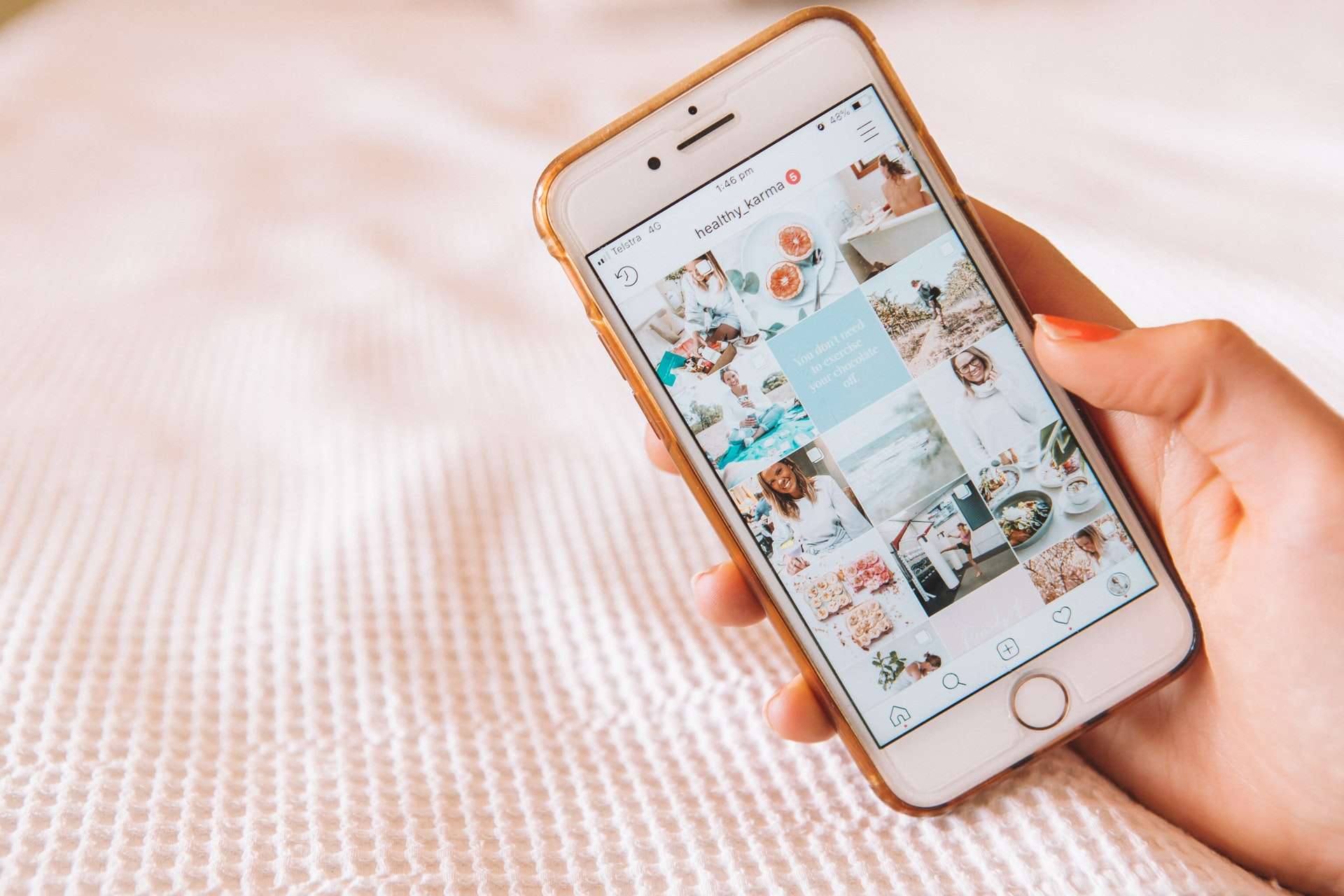
With over a billion users sharing photos, videos, and Stories, Instagram is one of the most popular social platforms in the world. Although it’s designed for social interaction and content sharing, not everyone wants all aspects of their activity to be visible—especially information like who they’re following. Whether you’re trying to maintain your privacy, reduce social pressure, or simply keep your interests to yourself, understanding how to hide your following list on Instagram can be valuable. In this article, we examine the tools and techniques available to help users protect their follower and following information.
TLDR (Too long, didn’t read):
If you want to hide your following list on Instagram, the most reliable way is to set your account to private. Once private, only your approved followers can view who you follow. Instagram doesn’t currently allow you to selectively hide your following list from specific people, but you can block users or remove followers to limit visibility. Explore account privacy settings and follower management tools for greater control.
Why Hide Your Following List?
There are several reasons why someone might choose to hide their following list on Instagram:
- Privacy concerns: You may want to shield personal interests or relationships.
- Professional boundaries: Influencers, professionals, or employers may keep connections confidential.
- Prevent stalking or trolling: Some users face harassment from people who monitor their social activity.
- Minimize judgment: Following niche or controversial accounts could invite unwanted scrutiny.
It’s important to note that Instagram’s platform does not provide a built-in feature that allows someone to completely hide their following list from specific individuals while keeping the account public. However, there are workarounds.
Setting Your Instagram Account to Private
The most effective way to keep your following list under wraps is to make your account private. When your profile is private, only your followers can see who you’re following or who follows you. Here’s how to do it:
- Open the Instagram app.
- Tap the profile icon in the bottom right corner.
- Tap the menu icon (three horizontal lines) in the top right.
- Go to Settings and Privacy.
- Select Account Privacy.
- Toggle the switch to turn on Private Account.
Once your account is private:
- Only users you approve can follow you and view your content.
- People who don’t follow you won’t see your follower and following lists.
- Your lists cannot be viewed from non-follower accounts, even via direct links or third-party tools.
Blocking Specific Users
If you don’t want everyone to be blocked behind a private account, but you’d still like to restrict access to your following list from specific individuals, blocking is an alternative method. When you block someone, they can no longer see your profile, posts, Stories, or your follower/following lists.
To block a user:
- Visit the person’s profile.
- Tap the three-dot icon in the top right.
- Select Block and confirm the action.
This is a more manual approach and only applies to the chosen individuals. Keep in mind: blocked users won’t even be able to find your account unless you unblock them.
Removing Followers
Even if your account is already private, some people on your following list might still have access. If you decide that certain individuals should not see who you follow, consider removing them from your follower list.
To remove a follower:
- Go to your profile and tap the Followers tab.
- Tap the Remove button next to the person you want to remove.
- Confirm your decision. That person won’t be notified.
Once removed, they won’t be able to see your posts, stories, or follower/following lists unless they send a follow request again and get approved.
Restricting Someone Instead of Blocking
Instagram’s Restrict feature doesn’t hide your following list, but it’s a useful tool for quietly limiting someone’s interactions with you. Restricted users can’t see when you’re online or if you’ve read their messages, and their comments on your posts are only visible to them unless you approve them. However, restricting someone doesn’t block access to your following or followers lists.
Third-Party Tools and Risks
You may come across apps or websites claiming to offer hidden Instagram analytics or privacy features. Be cautious of third-party tools that ask for your Instagram login credentials. These often violate Instagram’s terms of service and can put your account at risk of being hacked or suspended.
Instagram does not currently allow other apps to provide access to protected profile data—so if you’re using one and it promises enhanced privacy controls, verify its authenticity thoroughly.
Limitations to Keep in Mind
- There is no built-in tool to hide your following list from specific users while keeping your profile public.
- Mutual followers can still see shared connections, even on private accounts.
- Your interactions (liking, commenting, following) may still reveal some of your activity.
To fully protect your privacy, proactive management of followers and account settings is key. Combine strategies like a private account, follower curation, and possibly multiple accounts for personal versus public activity to achieve the best level of privacy.
FAQ – Hiding Your Following List on Instagram
- Can I hide my following list from everyone on Instagram?
- No, you cannot completely hide your following list from people who follow you on a private account. Setting your account to private is the most effective option.
- Will people be notified if I remove or block them?
- No, Instagram does not notify users when they are removed as a follower or blocked.
- Can I see who viewed my following list?
- No, Instagram does not provide insights into who viewed your follower or following lists.
- Are there any apps that allow me to hide followers?
- Be wary of third-party apps that claim to offer privacy settings Instagram doesn’t provide. They often violate platform policies and endanger your account security.
- Can I hide my following list on a business or creator account?
- No. Business and creator accounts must remain public, meaning your following list will be visible to anyone unless you revert to a private personal account.
Conclusion
Instagram offers several tools to help you control who sees your activity—but as of now, full customization over your following list is limited. If keeping your social circles private is vital to you, converting your account to a private profile is the best route. In combination with features like blocking, removing followers, and restricting interactions, you can effectively manage your visibility and ensure your Instagram use feels safe and aligned with your privacy preferences.