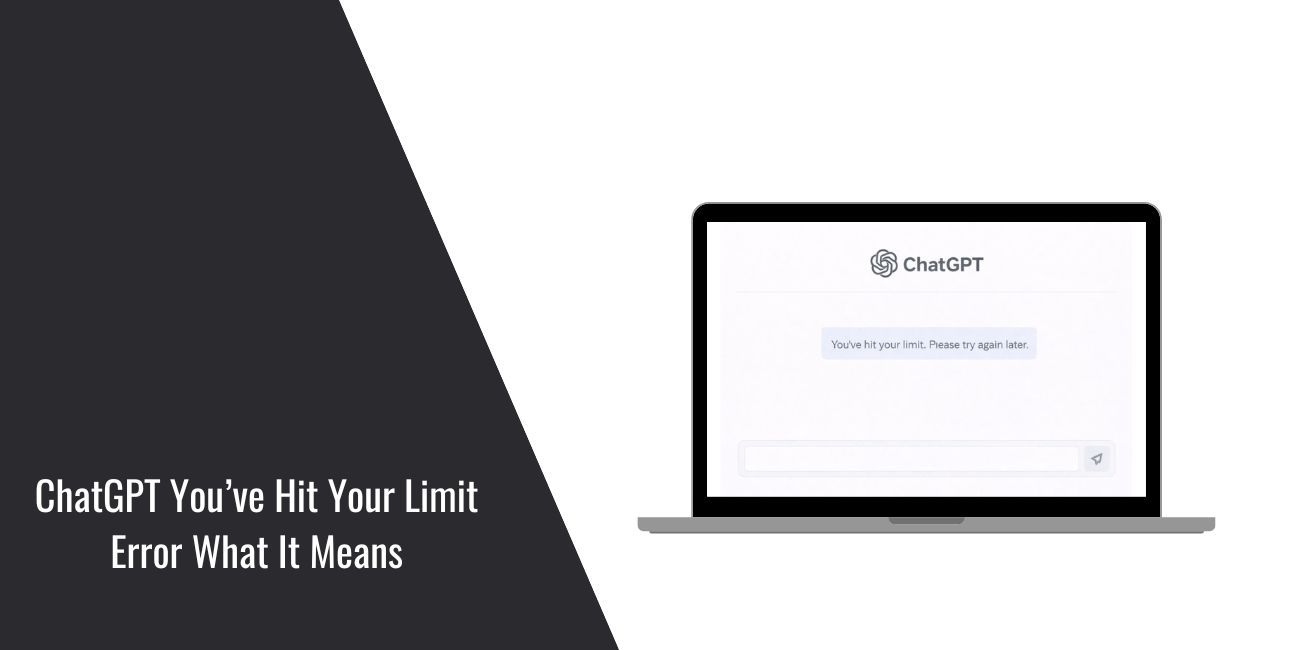
You’re in the middle of a task and ChatGPT suddenly stops responding. Instead, you see the message: “You’ve hit your limit. Please try again later.” That’s frustrating. This article explains what that message means, why it appears, and what you can do next. No guessing. Just clear steps.
What the “You’ve Hit Your Limit” Message Means?

This message means ChatGPT has temporarily restricted your access because you reached a usage cap. It is not a ban. Your account is fine. The system is asking you to pause before sending more requests.
Limits exist to keep the service stable for everyone. When your usage crosses a threshold, ChatGPT enforces a cooldown.
Why ChatGPT Has Usage Limits?
ChatGPT runs on shared infrastructure managed by OpenAI. Limits help balance demand so many users can work at the same time.
A few reasons limits are enforced:
- Prevent overload during peak hours
- Keep response quality consistent
- Ensure fair access across accounts
- Manage costs tied to heavy usage
These controls are normal for large online services.
How Long the Limit Usually Lasts in ChatGPT?
In most cases, the limit is temporary.
Cooldowns can reset:
- After a short wait
- At an hourly window
- At a daily reset
The exact timing can vary based on demand and your plan. ChatGPT does not show a countdown, so patience is required.
What You Can Do Right Now?
Try these steps first:
- Wait a bit and try again later
- Refresh the page or restart the app
- Start a new chat when you return
- Send fewer messages at once
- Check your plan status in settings
These actions won’t remove a limit instantly, but they help once the cooldown ends.
How to Avoid Hitting the Limit Again in ChatGPT?
You can reduce the chance of seeing this message by adjusting how you use ChatGPT:
- Combine related questions into one prompt
- Avoid rapid-fire messages
- Start a new chat for new topics
- Keep conversations focused
- Use off-peak hours when possible
Small changes often make a big difference.
Conclusion
The “You’ve hit your limit” message is common and temporary. It’s a usage cap, not a problem with your account. Once the cooldown passes, access returns on its own.
Use the waiting time to plan your next prompt. When you come back, keep messages clear and concise. If this helped, share it with someone else who ran into the same message.