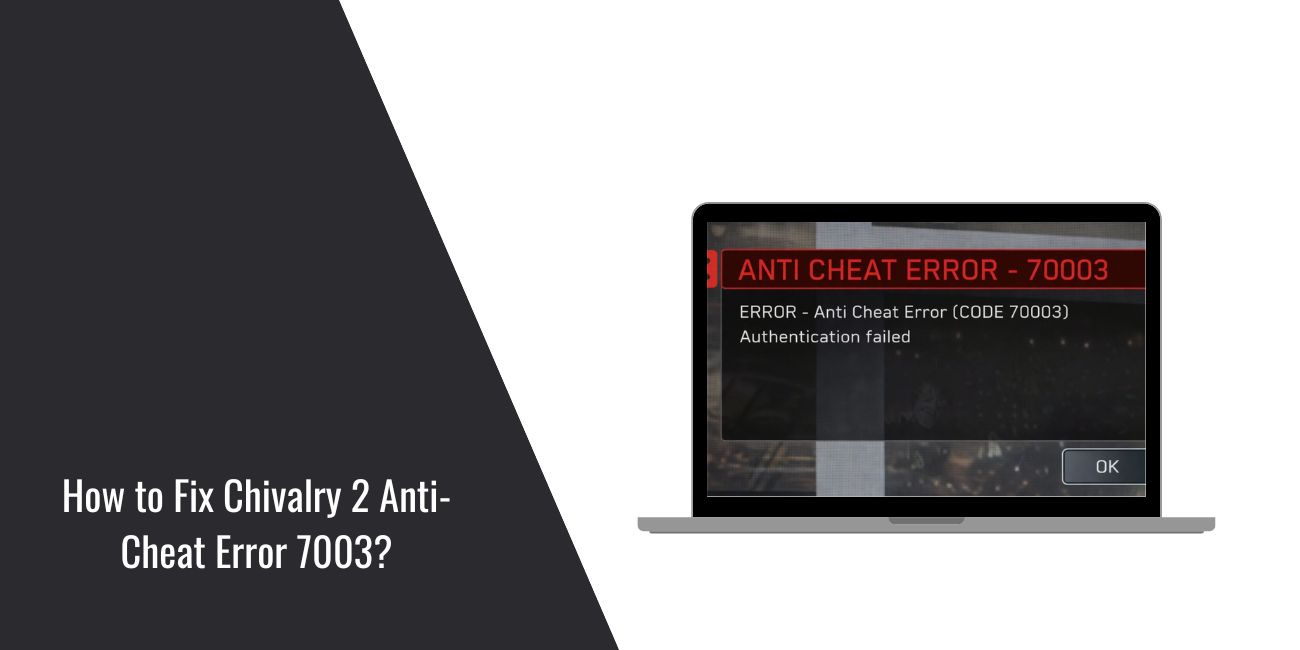
You launch Chivalry 2, get ready for a match, and then the game stops with Anti-Cheat Error 7003. That’s frustrating because it blocks multiplayer completely. This issue usually links to Easy Anti-Cheat and how it talks to your system.
This guide explains what the error means, where it shows up, how to fix it step by step, and how to stop it from coming back.
What Is Chivalry 2 Anti-Cheat Error 7003?
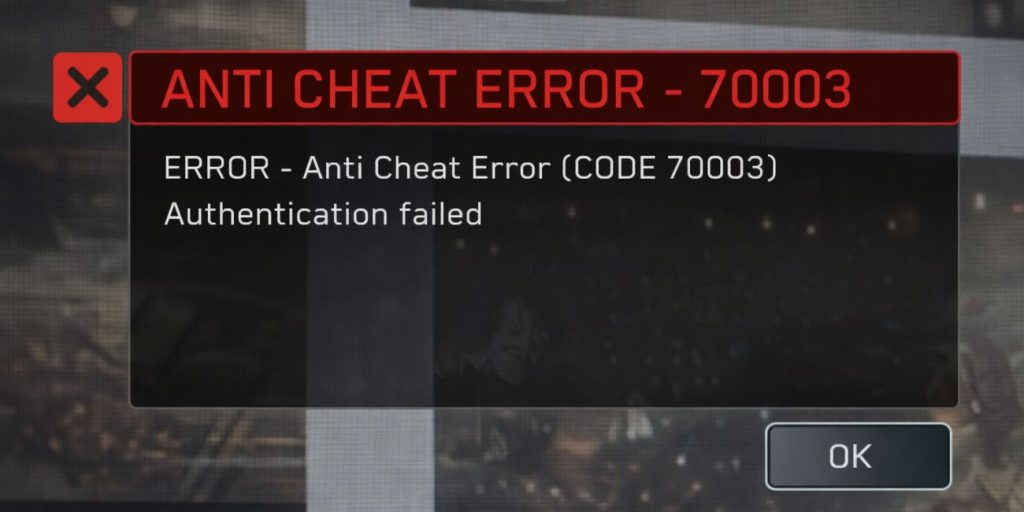
Anti-Cheat Error 7003 appears when Easy Anti-Cheat (EAC) fails to start or communicate properly with Chivalry 2. When that happens, the game refuses to connect to online servers. The error protects multiplayer from unfair play, but it can also trigger because of normal system issues.
Players usually see this error at launch, during matchmaking, or right before joining a server. The game loads, then stops with the error message.
Common Causes of Chivalry 2 Anti-Cheat Error 7003
This error can happen for several reasons, mostly tied to Easy Anti-Cheat or system settings.
- Easy Anti-Cheat service is not running
- Corrupted or missing EAC files
- Antivirus or firewall blocking EAC
- VPN or proxy interfering with connections
- Game files not synced correctly
- Outdated Windows system files
- Launcher or game lacking admin permissions
How to Fix Chivalry 2 Anti-Cheat Error 7003?
Most fixes focus on repairing Easy Anti-Cheat, fixing permissions, or refreshing system files. Try the solutions in order, starting with the simplest.
Fix #1: Restart Easy Anti-Cheat Service
This error often appears when the EAC service fails to start correctly. Restarting it forces Windows to reload the service.
Here are the following steps which help you restart Easy Anti-Cheat.
- Press Windows + R on your keyboard.
- Type
services.mscand press Enter. - Find Easy Anti-Cheat in the list.
- Right-click it and select Restart.
- If it is not running, choose Start.
- Close the window and launch Chivalry 2 again.
Fix #2: Repair Easy Anti-Cheat for Chivalry 2
Corrupted EAC files can trigger Error 7003. Repairing the service replaces broken files.
Follow the steps below to easily repair Easy Anti-Cheat.
- Open the Chivalry 2 install folder.
- Go to the EasyAntiCheat folder.
- Run EasyAntiCheat_Setup.exe.
- Select Chivalry 2 from the list.
- Click Repair Service.
- Restart your PC after it finishes.
Fix #3: Verify Chivalry 2 Game Files
Missing or damaged game files can break EAC checks. Verifying files restores them.
Try these simple steps to quickly verify game files.
- Open Steam or Epic Games Launcher.
- Go to your game library.
- Right-click Chivalry 2.
- Open Properties or Manage.
- Choose Verify game files.
- Wait for the process to finish.
Fix #4: Disable Antivirus or Firewall Temporarily
Security software can block Easy Anti-Cheat by mistake. This causes Error 7003 even on clean systems.
Turn off your antivirus and firewall briefly, test the game, then turn them back on. If it works, add Chivalry 2 and Easy Anti-Cheat to the exclusion list.
Fix #5: Turn Off VPN or Proxy Services
VPNs and proxies can interfere with EAC server checks. This often leads to connection errors.
Disable your VPN completely before launching Chivalry 2, then try connecting again.
Fix #6: Run the Launcher and Game as Administrator
Permission issues can prevent Easy Anti-Cheat from starting correctly, especially after updates.
The following steps will show you how to run the game properly.
- Close Chivalry 2 and the launcher.
- Right-click the launcher icon.
- Select Run as administrator.
- Launch Chivalry 2 from the launcher.
- Join a multiplayer match to test.
Fix #7: Update Windows and System Components
Outdated Windows files can break EAC compatibility. Keeping the system updated helps prevent this error.
Open Windows Update, install all pending updates, restart your PC, and then launch the game again.
Prevention Tips to Avoid Anti-Cheat Error 7003 in the Future
Prevention saves time and avoids repeated multiplayer lockouts.
- Keep Easy Anti-Cheat updated
- Avoid VPNs while playing Chivalry 2
- Exclude the game folder from antivirus scans
- Verify game files after major updates
- Do not interrupt game patches
- Keep Windows fully updated
- Use the official Steam or Epic launcher only
Conclusion
In short, Chivalry 2 Anti-Cheat Error 7003 appears when Easy Anti-Cheat cannot run or connect correctly. The most common causes include corrupted EAC files, blocked services, or system permission issues. Most players fix it by repairing EAC, verifying files, or disabling VPNs.
Try each fix calmly and test the game after every step. If the error still appears, contact Torn Banner Studios support with your system details. If this guide helped, share it with other players and leave a comment about which fix worked for you.