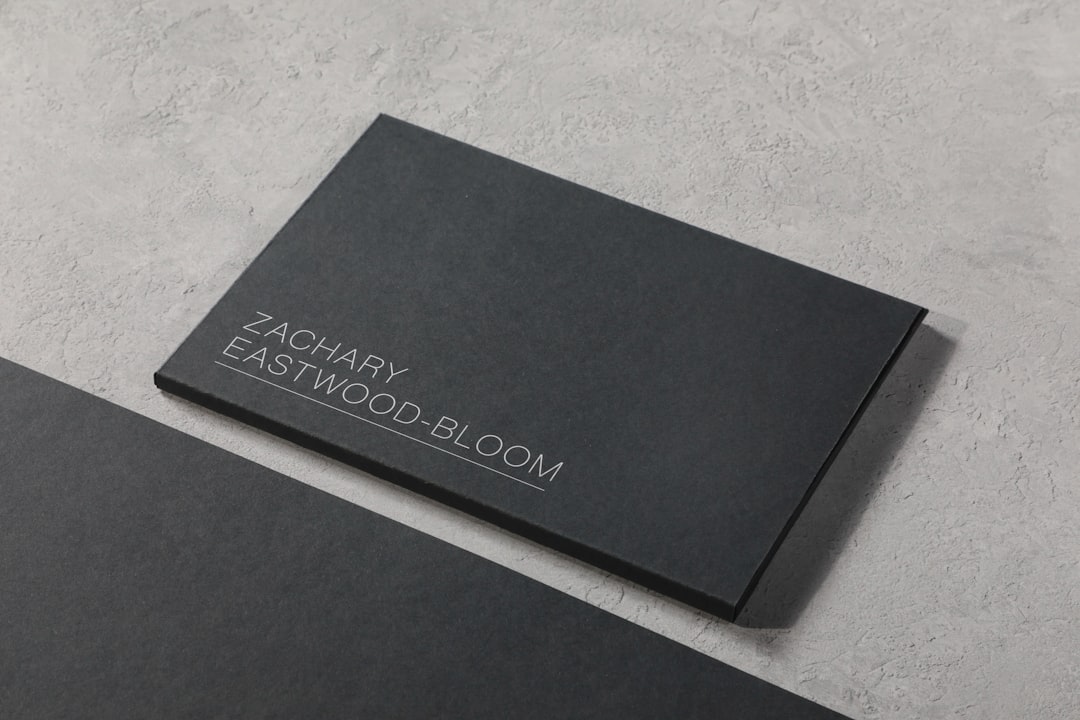
In today’s hyper-competitive market, a professional and memorable business card remains one of the simplest yet most impactful tools for networking. For small business owners and freelancers, a well-designed business card communicates your brand, expertise, and style in seconds. The good news is, you don’t need to hire an expensive design agency to create a visually appealing card. Thanks to modern design software and digital tools, even those with limited experience can craft business cards that make a lasting impression.
TLDR:
Finding the right business card design tool can save time and money for small businesses and freelancers. Tools like Canva, Vistaprint, Adobe Express, and others offer templates, ease of use, and customization at various price points. Opt for tools that balance functionality with affordability and allow exporting high-resolution print-ready files. Whether you prioritize design flexibility or convenience, this guide offers solutions for different levels of expertise and branding needs.
Why Professional Business Cards Still Matter
In the digital age, it’s easy to assume traditional business cards are obsolete. However, they remain a valuable physical extension of your brand. A well-designed card can be a conversation starter, provide credibility, and ensure your contact information is easily accessible. For freelancers meeting clients one-on-one or startups attending local networking events, handing someone a sleek business card still delivers a personal touch that digital exchanges often lack.
Top Business Card Design Tools for Freelancers and Small Businesses
There is no shortage of options when it comes to business card design platforms, but selecting the right one depends on your budget, design skills, and branding goals. Below are some of the most reliable and user-friendly tools you can use today.
1. Canva
Cost: Free with optional Pro plan starting at $12.99/month
Best for: Beginners and businesses seeking stylish templates and fast turnarounds.
One of the most accessible and popular tools, Canva offers an intuitive interface and thousands of business card templates tailored to different industries. Users can drag and drop elements, upload brand logos, and even collaborate with team members in real-time. Canva’s design philosophy centers around simplicity, making it ideal for those with little to no graphic design experience.
Pros:
- Large selection of templates
- Custom branding toolkit (with Pro version)
- Export in print-ready formats like PDF with crop marks and bleed
Cons:
- Pro features can be costly over time
- Limited custom vector editing
2. Adobe Express (formerly Adobe Spark)
Cost: Free with limited features; Premium plan from $9.99/month
Best for: Professionals who value quality and Adobe ecosystem integration.
If you already use Adobe products like Photoshop or Illustrator, Adobe Express offers a streamlined alternative for quick graphic design projects, including business cards. Unlike Canva, Adobe Express provides more refined control over design elements while still remaining beginner-friendly.
Pros:
- High-resolution export capabilities
- Strong design assets and Adobe Fonts integration
- Access to Adobe Stock (with premium plan)
Cons:
- Less intuitive than some competitors
- Free options are limited in scope
3. Vistaprint
Cost: Free design editing; printing costs vary
Best for: One-stop-shop solutions for design and printing.
Vistaprint goes beyond graphics by offering print fulfillment directly through its service. Users can select pre-made templates or upload custom designs. While the design interface is not as advanced as Canva or Adobe Express, its value lies in the seamless transition from design to print delivery.
Pros:
- No separate export or printing worries
- Excellent customer support
- High variety of material and finish options
Cons:
- Fewer advanced design features
- Not ideal for those who want to use their preferred printer

4. Looka
Cost: Branding packages starting from $20
Best for: Entrepreneurs wanting automated branding and matching business cards.
Looka uses AI to generate brand assets, including logos, color palettes, and business card templates. You answer a few questions about your business, and the platform generates a cohesive package. It is particularly useful for startups or individuals starting from scratch without a visual identity.
Pros:
- Fast, AI-generated branding
- Unified visuals across different brand materials
- User rights to download and use all assets
Cons:
- Limited manual design control
- Templates can come off as generic
5. VistaCreate (formerly Crello)
Cost: Free with paid options
Best for: Users looking for graphic-rich content beyond business cards.
VistaCreate is similar to Canva in layout and functionality but offers a broader range of dynamic content options like animations and videos. For freelancers who plan on using the same design tool for multiple branding needs—including social media and email banners—VistaCreate is a great asset.
Pros:
- Rich asset library
- Dynamic content creation (not just for print)
- Easy to use
Cons:
- Smaller user community for design inspiration
- Limited integrations compared to better-known platforms
Key Features to Look For in Business Card Tools
No matter which tool you choose, make sure it includes these essential features:
- Template Variety: A wide selection makes customization easier.
- Print-Ready Export: High-resolution options with bleeds and crop marks for optimal print fidelity.
- Customization: Ability to upload your own logo, choose colors, change fonts, and adjust layouts.
- Cloud Storage: So you can revisit and revise designs as needed.
- Ease of Use: Especially important for freelancers working solo without a dedicated designer.
Additional Tips for Creating Impactful Business Cards
Design tools alone don’t guarantee results. Consider these tried-and-true principles when creating your card:
- Keep It Minimal: Less is often more. Avoid clutter and focus on critical information only—name, title, contact, and URL.
- Use Professional Fonts: Avoid overly playful or unreadable typography. Stick with professional, legible fonts that reflect your brand tone.
- Choose Quality Paper: If you’re printing, pick a durable, premium finish to demonstrate quality.
- Incorporate a Call to Action: Add a QR code or tagline that invites people to take the next step, like visiting your website.

Conclusion
For small businesses and freelancers, your business card is often the first tangible impression you leave behind. Whether you need a quick template or an integrated branding solution, tools like Canva, Adobe Express, and Vistaprint make it possible for anyone to create a memorable card without professional help. Taking the time to choose the right design tool—and following basic design principles—can significantly boost your credibility and professional image.
With the right combination of functionality, aesthetics, and print quality, your business card can transform from a forgotten slip of paper into a powerful marketing tool. Choose wisely and design intentionally.